Blue Protocol: Star Resonance 互动地图与位置

Blue Protocol: Star Resonance 互动地图

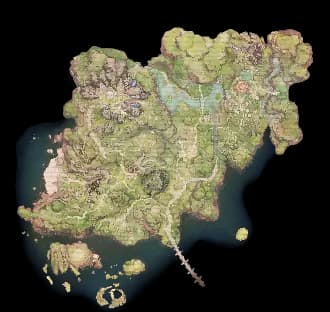
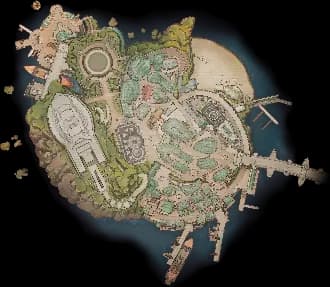
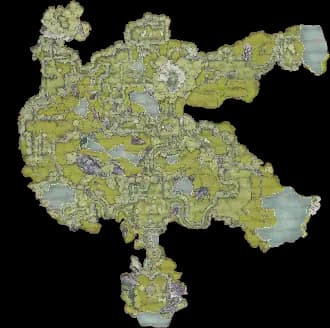
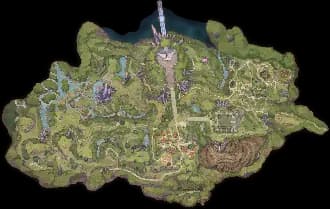
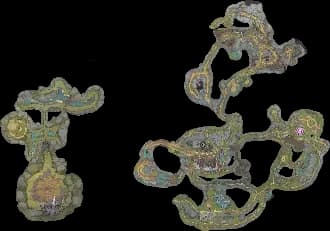
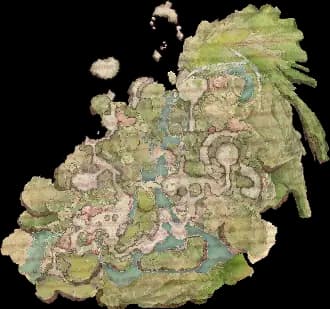
在 Blue Protocol: Star Resonance 中探索 Asteria Plains Map, Asterleeds Map, Moonshadow Wilds Map 和 BPSR, Bosses, Guides, Maps, Rare Spawns, Engram Hubs,以及由 The Hidden Gaming Lair 提供的更多位置!

获取 无广告体验

正在加载广告... 💰

网站更新

注意:更新日志目前仅提供英文版本。

2026年2月19日星期四

Multi-language support

The THGL app now auto-detects your system language on first launch. You can also manually change the language anytime in Dashboard Settings. This feature is not available in the Overwolf apps. Note, that the map language support varies per game.

Marker Labels

Everyone can now display text labels above map markers for easier identification. This is especially helpful for colorblind users or when navigating crowded maps.

How it works

  • Click the settings icon next to any filter in the sidebar
  • Set the Label option to control when labels appear:
  • Off - No label (default)
  • Always - Label always visible
  • In Range - Label only shows when within alert range
  • Hotkey - Label shows while holding the Toggle Labels hotkey

High CPU

Fixed high CPU usage and lag spikes during gameplay.

2026年2月18日星期三

High Contrast Markers

You can now customize the marker outline in Settings: choose color, opacity, and thickness.

Username and Avatar

You can now change your username and avatar for node comments at th.gl/support-me/account. This lays the groundwork for more account features - cloud backup and profile sync are next.

Close Behavior

You can now configure whether closing the THGL Companion App minimizes to tray or exits completely.

Elevated Auto Start

Optimized how the app launches with admin privileges on Windows startup. This should fix remaining UAC prompt issues.

2026年2月9日星期一

Audio Alerts for Everyone!

Audio alerts are no longer limited to preview access - all users can now enable proximity-based sound notifications!

If you haven't tried it yet, here's a quick recap:

  • Enable Audio Alerts in Settings
  • Click the settings icon next to any filter in the sidebar
  • Toggle Audio Alert on for the items you want to track
  • When you get close to a tracked spawn, you'll hear a sound!

Thank you to everyone who provided feedback during the preview phase!

Marker Labels

@Elite Supporter You can now display text labels above map markers for easier identification. This is especially helpful for colorblind users or when navigating crowded maps.

How it works

  • Click the settings icon next to any filter in the sidebar
  • Set the Label option to control when labels appear:
    • Off - No label (default)
    • Always - Label always visible
    • In Range - Label only shows when within alert range
    • Hotkey - Label shows while holding the Toggle Labels hotkey

Settings

  • Label Text Size - Adjust how large the labels appear on the map
  • Toggle Labels Hotkey - Hold to temporarily show all labels (default: Shift+F5)

I'd love to hear your feedback on this feature! Let me know what you think, report any issues, or share suggestions for improvements.

Bug Fixes

  • Fixed crashes caused by circular loops and recursion during map transitions in Overwolf apps

Performance Improvements

  • Optimized marker rendering to reduce lag on large maps with thousands of markers
  • Improved proximity detection efficiency for real-time tracking
  • Reduced redundant canvas operations for smoother updates

2026年2月4日星期三

Smart Elevation for Elevated Games

The Problem: Some games run with admin privileges (either by choice or requirement). When this happens, the overlay can't display above them without matching privileges.

The Solution: Instead of always running as admin (old behavior) or never (v4.0.0), the app now asks you when needed:

  • Relaunch as Administrator - Restart the app elevated for this session
  • Always Run as Administrator - Save the preference for future launches
  • Open Desktop Mode - Use the companion window instead of overlay
  • Close - Dismiss and continue without overlay

New Dashboard Setting: Added "Always run as administrator" toggle in Settings → Startup. When enabled, the app will automatically elevate on launch (no UAC prompt for admin users).

A small indicator badge appears in the dashboard header when running elevated.

Other Fixes:

  • Fixed player position tracking for Blue Protocol Star Resonance SEA client (StarSEA.exe) @Blue Protocol: Star Resonance
  • Fixed brief console window appearing when checking startup settings
  • Improved app startup reliability

2026年1月30日星期五

Audio Alerts for Tracked Items

@Elite Supporter You can now get sound notifications when tracked items appear within range on the live map!

How it works

  • Enable Audio Alerts in Settings
  • Click the ⚙️ settings icon next to any filter in the sidebar
  • Toggle Audio Alert on for the items you want to track
  • When you get close to a tracked spawn, you'll hear a sound!

Settings

  • Alert Range - How close you need to be to trigger the alert
  • Show Range on Map - Display a circle around your player to visualize the range
  • Alert Sound - Choose from 4 different sounds (Chime, Ping, Beacon, Soft)
  • Volume - Adjust how loud the alerts are
  • Preview button to test the sound

I'd love to hear your feedback on these features! Let me know what you think, report any issues, or share suggestions for improvements. I want to optimize and polish this before releasing it to everyone. Your input helps make the app better for all users!

Filter Settings Popover

Each filter in the sidebar now has a settings icon that opens a quick settings popover!

  • Per-filter icon size - Adjust the size of individual filter icons on the map
  • Per-group icon size - Adjust the size for all filters in a group at once
  • Quick access to filter info and audio alert settings

想获取更多更新?请加入我们的 Discord 服务器 查看最新变更!

获取 无广告体验

正在加载广告... 💰